Start with one reader and one next step
Write a sentence naming the reader, the work they need and the action you want them to take. For example: “A small publisher needs an illustrator for a short book; this portfolio should help them decide whether to request an availability call.” This is a planning example, not a claim about hiring outcomes.
Use that sentence to decide what belongs on the site. A project that proves a relevant skill deserves space even if it is older. A recent project that you cannot explain or show permission for may belong in a private working folder instead.
Make an evidence inventory
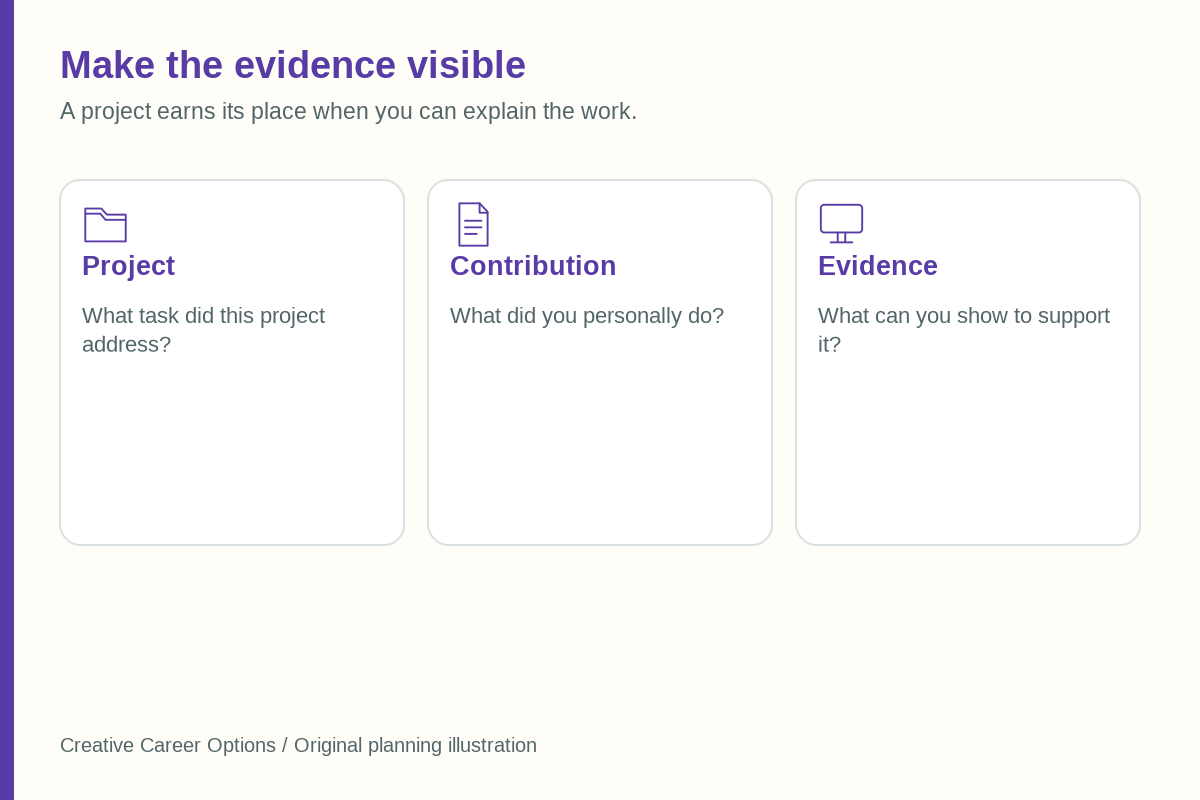
For each candidate project, record the problem, your contribution, one important decision and the material you can actually show. Adobe’s portfolio guidance recommends curating work and giving viewers context about the process. Our worksheet adds an evidence column so the description can be checked against the images or files.
- Identify client work, employment work, school work and self-directed concepts accurately.
- Check publication permission before adding confidential screenshots, names or results.
- Replace vague claims such as “successful redesign” with a visible change or a result you can substantiate.
Build a route through the work
Choose a strong opening project, then add projects that show a different relevant capability. Give each case study a short overview before the detailed process. Group projects when the collection becomes difficult to scan; do not make a visitor learn your entire filing system.
A useful first structure is an introduction, selected projects, a short explanation of your role and a clear contact route. Treat these as reader needs rather than a fixed number of pages. A short, complete portfolio is easier to assess than a large collection with missing context.
Review the finished journey
Open the portfolio on a phone and follow it as if you know nothing about the work. Can you identify what the person did, what changed and how to get in touch? Check text in images, broken links, oversized files and whether important details remain readable.
Keep a small maintenance list: new project awaiting permission, outdated contact detail, broken embed and case study needing an evidence update. Review that list when you finish a project instead of rebuilding the entire portfolio each time.
Portfolio evidence inventory
| Project | What it proves | Evidence to show | Permission / next action |
|---|---|---|---|
| Project A | Relevant skill or task | Image, artifact or documented result | Confirm what can be public |
| Project B | Different relevant capability | Process detail plus final work | Write a clear role statement |
| Project C | Supporting skill | A specific decision and output | Check links and image readability |
Put the plan to work
Use your own information to make a practical next step.
Open the planning worksheetSources and review
These sources support the factual details in this guide. Policies, prices and services can change; check the official source before acting.
- Adobe Portfolio: presenting and organizing a portfolioChecked 2026-11-24
An original planning resource. Sources identify the factual references used; examples and worksheets are our own.
How these guides are prepared